Productivity wireless mouse
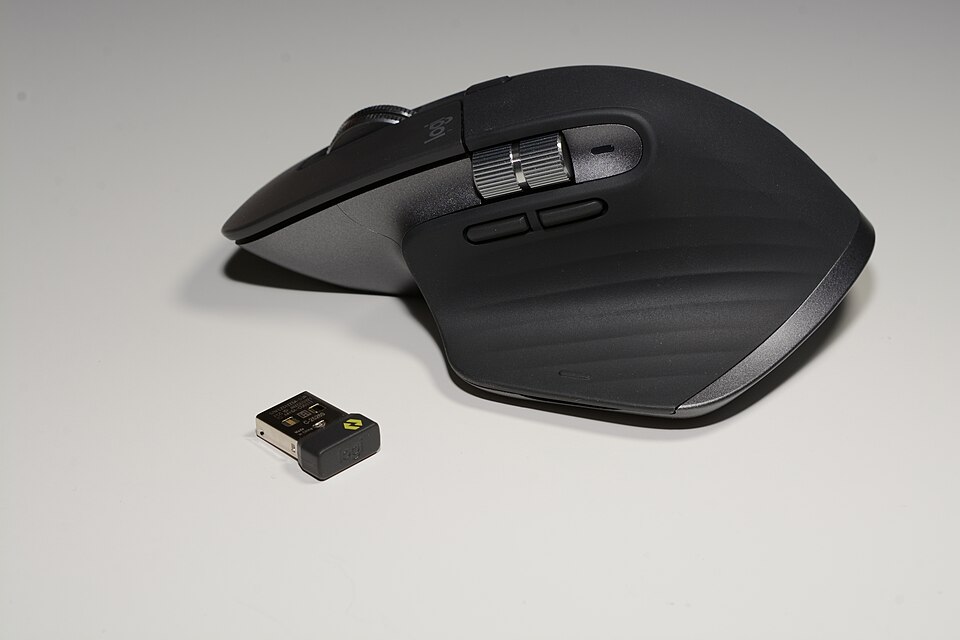
Graphite, Bluetooth listing
Logitech MX Master 3S
A productivity mouse to research when more advanced controls matter.
Explore productPrice & availabilitySee the current offer on Amazon
Choose the connection, layout and controls that fit your work.
As an Amazon Associate I earn from qualifying purchases. Marked shopping links may earn us a commission, at no extra cost to you. How links work
A productivity mouse to research when more advanced controls matter.
Explore product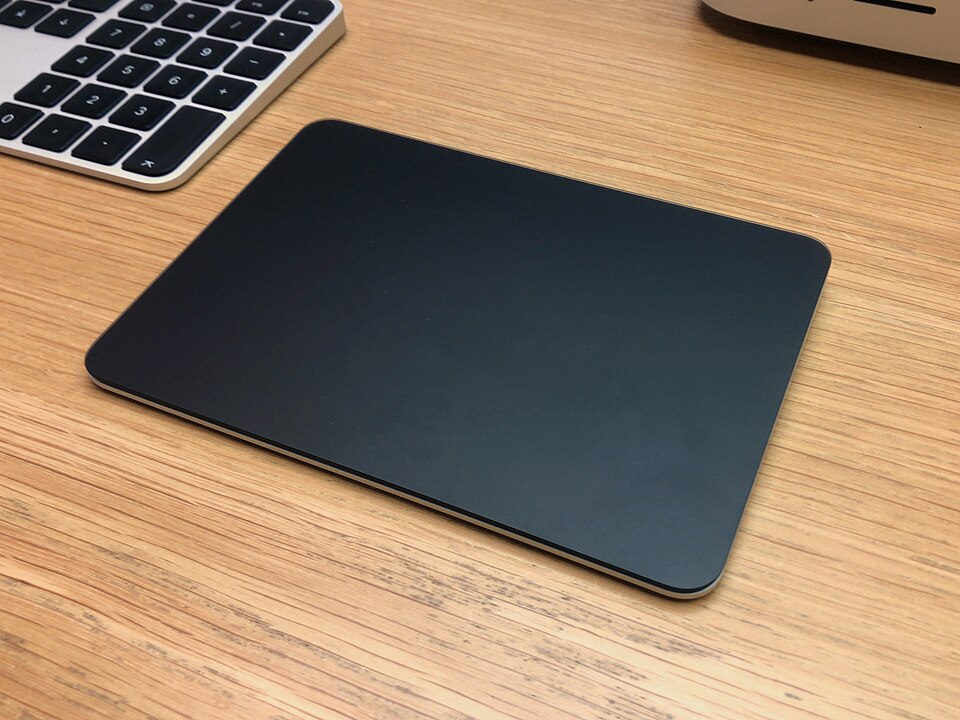
A desktop trackpad reference for the black Lightning generation.
Explore product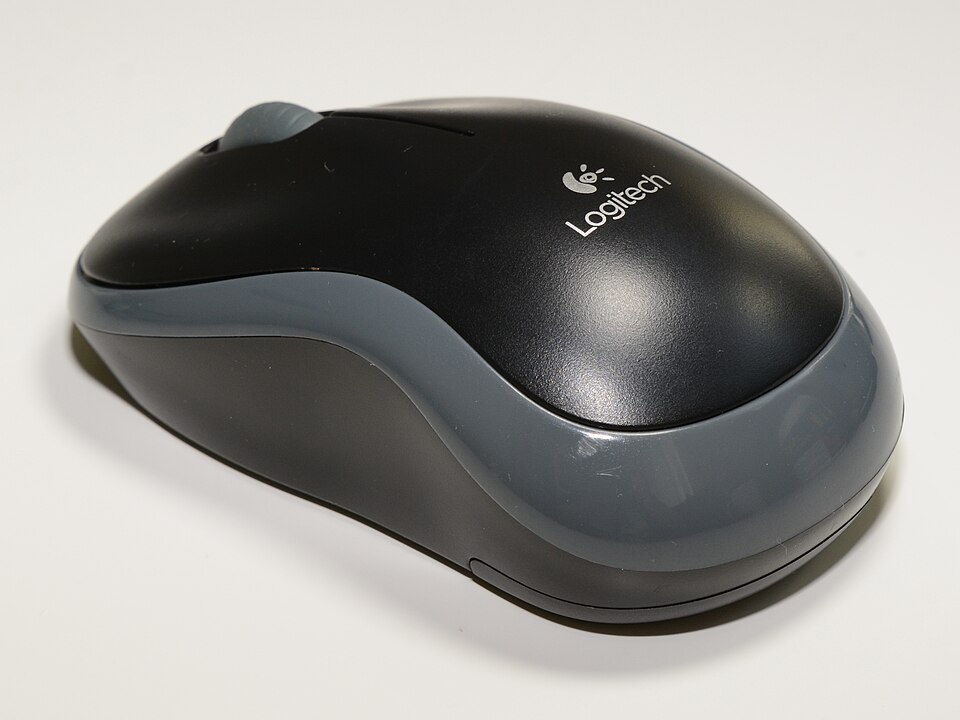
A compact USB-receiver mouse for a straightforward laptop or desktop setup.
Explore product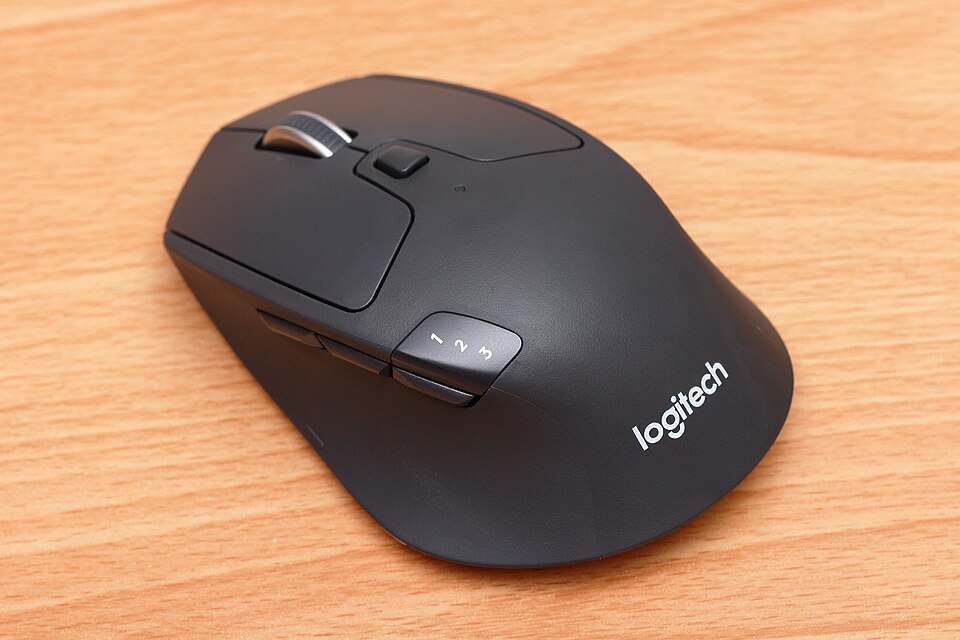
A mouse to research when you switch between more than one computer.
Explore product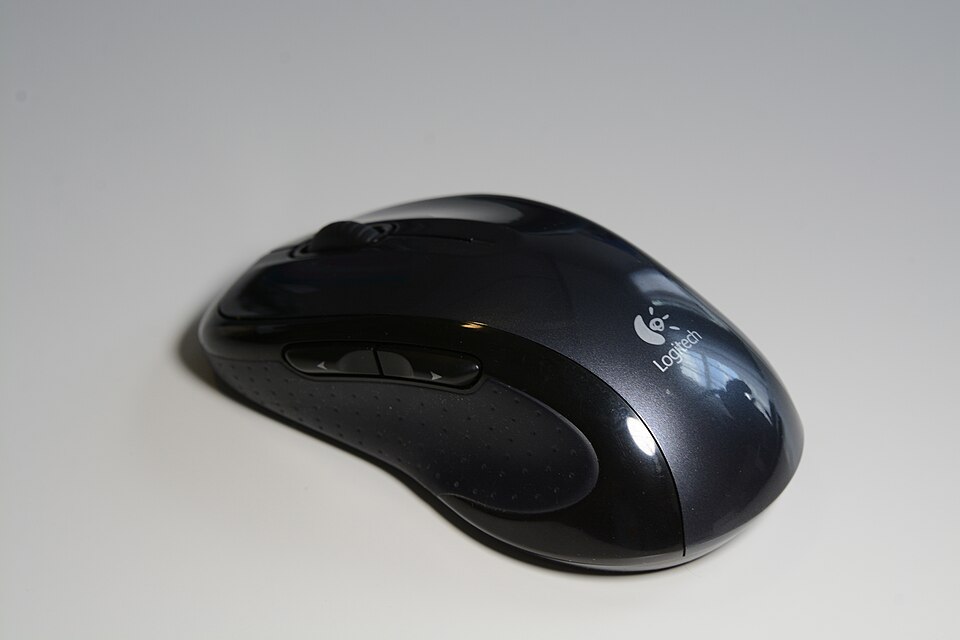
A fuller-size alternative to a compact travel mouse.
Explore product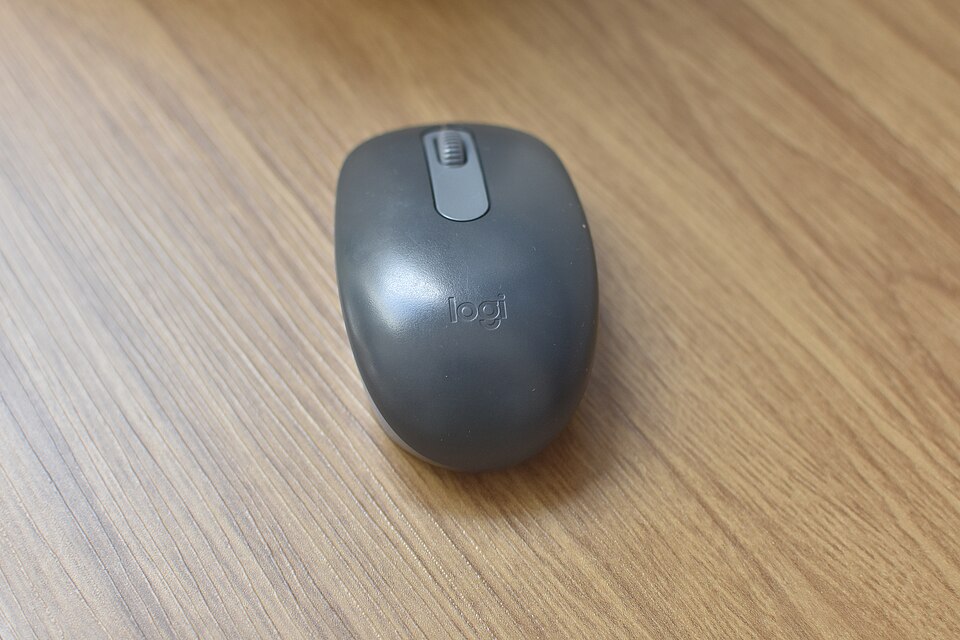
A compact Bluetooth option for keeping a USB port free.
Explore product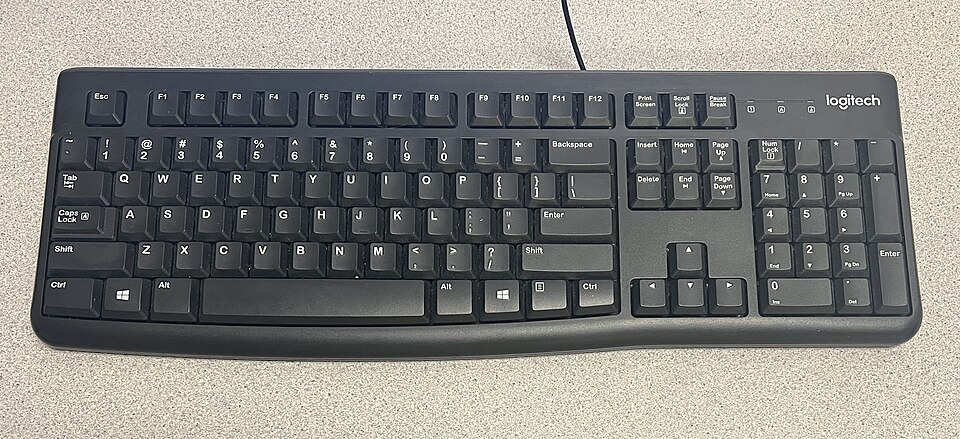
A full-size wired keyboard to research for a fixed workspace.
Explore product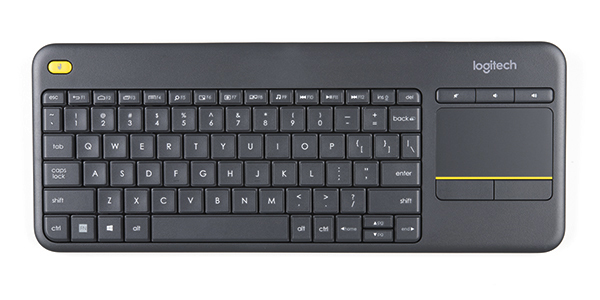
A keyboard and touchpad combination for a PC-connected display.
Explore product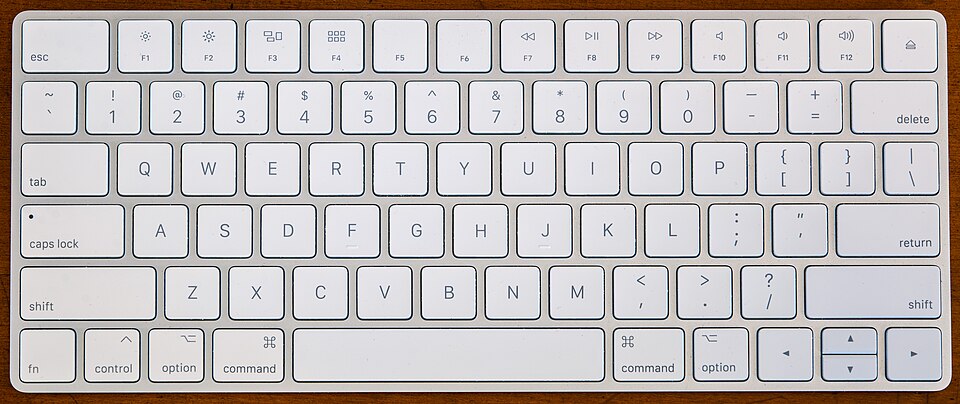
An older Magic Keyboard generation; check it carefully against newer versions.
Explore product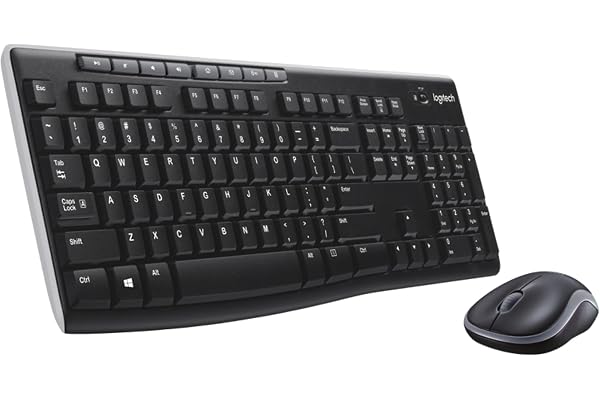
A starting point for replacing both desk controls in one purchase. The full-size keyboard format needs more desk width than a compact layout.
Explore product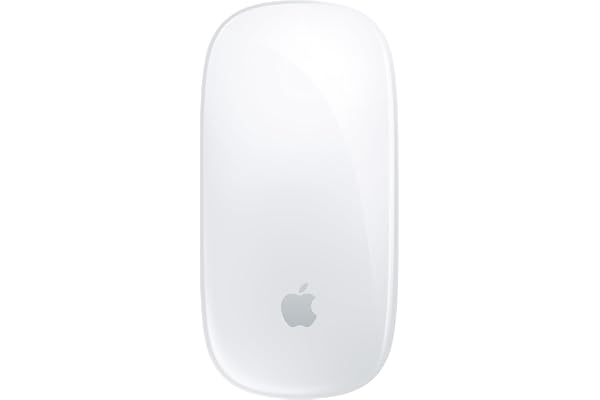
A mouse listing with a Multi-Touch surface for users considering an Apple control setup. Confirm the exact generation rather than relying on the shared Magic Mouse name.
Explore product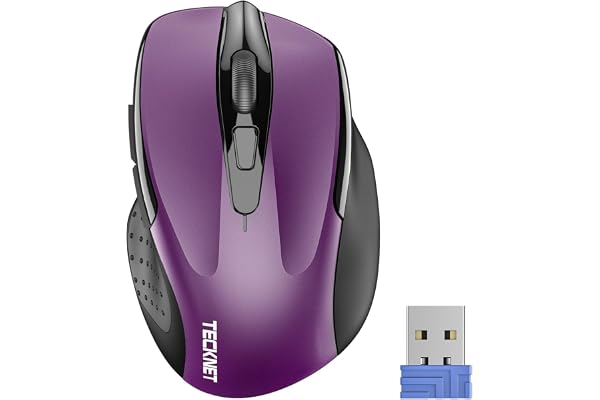
A receiver-based mouse option with a six-button layout in the observed listing. It is worth comparing when you want physical side controls.
Explore product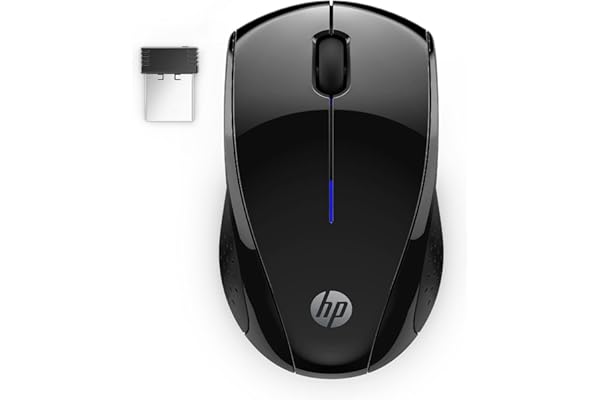
A wireless mouse option whose listing identifies the X3000 G3 generation and side grips. Compare its size and connection requirements with your current mouse.
Explore product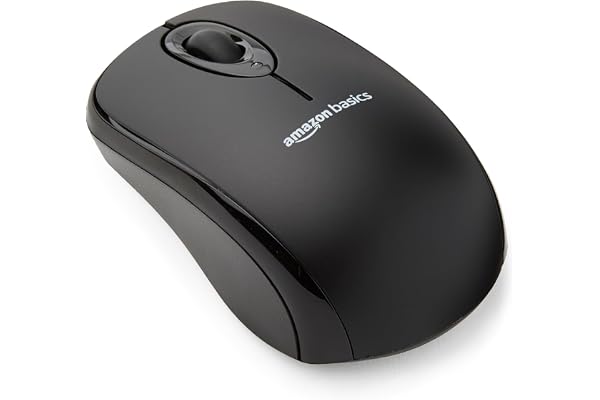
A straightforward receiver-based format for a computer with an available USB port. Keep the receiver requirement in mind on a USB-C-only laptop.
Explore product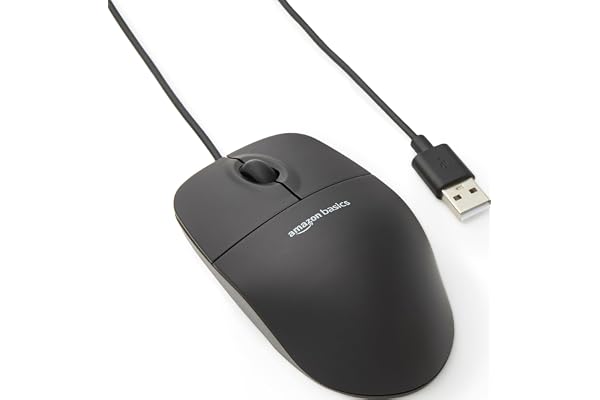
A wired format to consider if you prefer a cable to managing batteries or a wireless receiver. Plan the cable route across the desk.
Explore product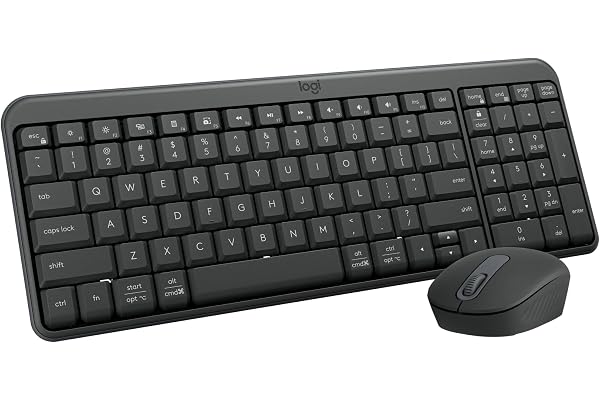
A Bluetooth-only keyboard and mouse package in the observed listing. It offers a different connection approach from receiver-based combos.
Explore product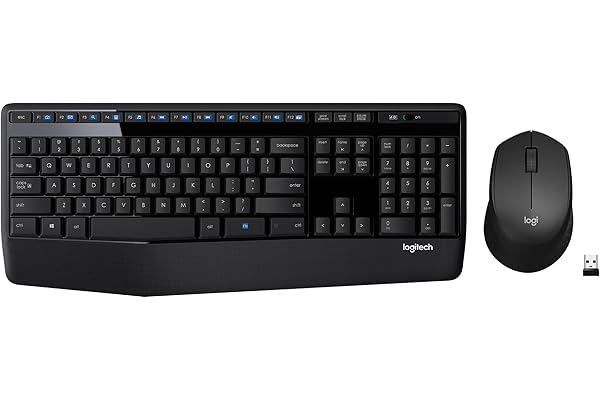
A full-size set with an integrated keyboard palm rest and a right-handed mouse. Measure the total footprint before choosing it for a small desk.
Explore product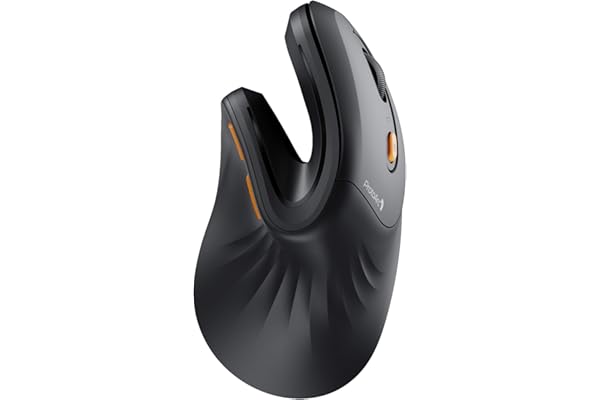
A vertical mouse format with Bluetooth and USB receiver options in the listing. The shape differs substantially from a conventional flat mouse.
Explore product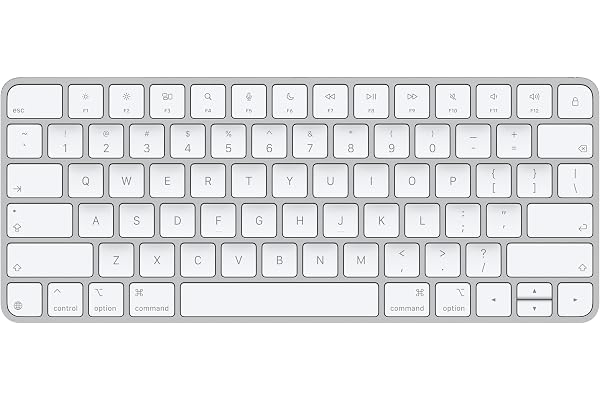
A USB-C Magic Keyboard listing with a US English layout. This is a separate reference from the older A1644 keyboard already in the catalog.
Explore product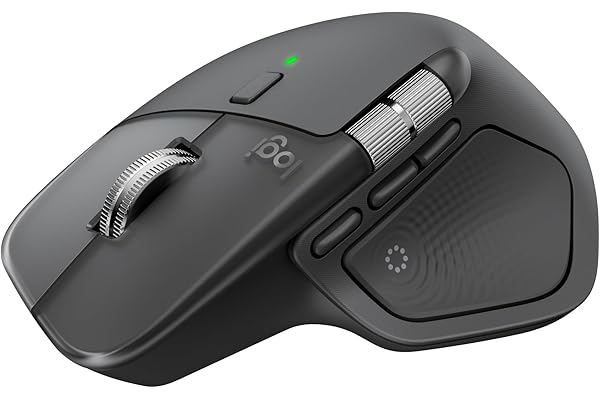
A newer model name to compare with the MX Master 3S reference. Haptic feedback is a listed feature; we have not tested its usefulness or performance.
Explore product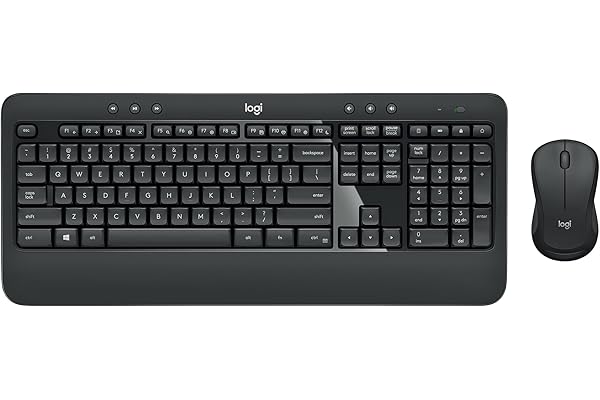
A full-size keyboard and mouse set with a numeric keypad and integrated palm rest. It suits research into a complete desk-control replacement.
Explore product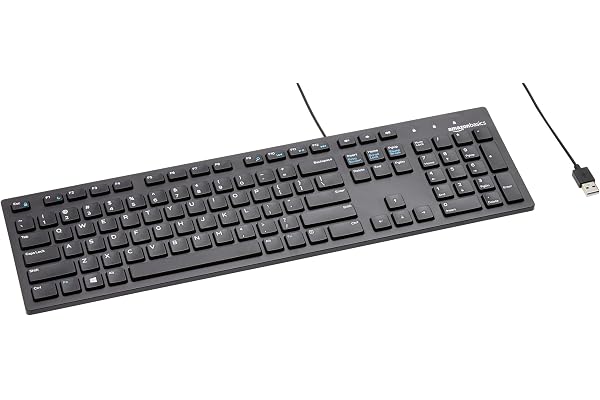
A full-size wired keyboard option described for Windows in the listing. The cable and numeric-keypad footprint are the main layout considerations.
Explore product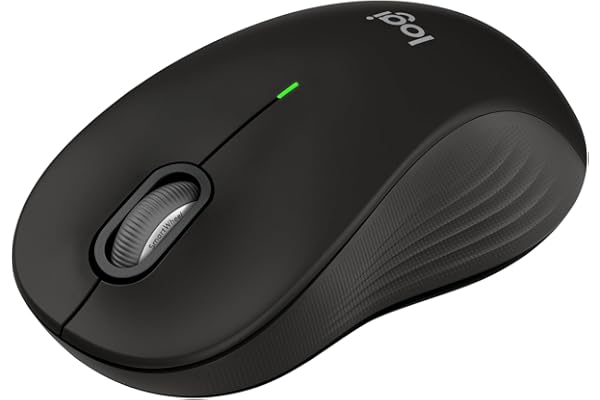
The L designation identifies the large-size version in this listing. Keep the size variant visible when comparing similar Signature model names.
Explore product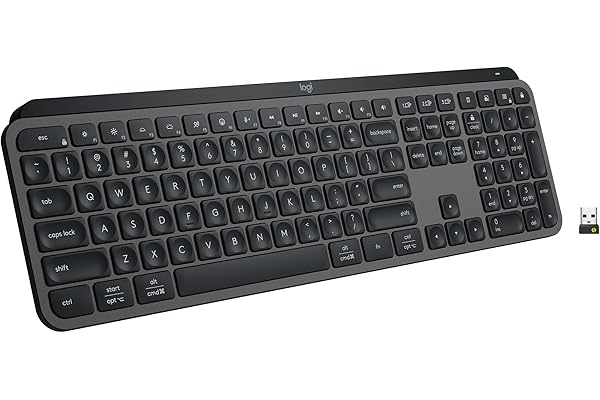
A low-profile keyboard listing with backlit keys and multi-device pairing. Compare the layout and software requirements with the way you switch computers.
Explore product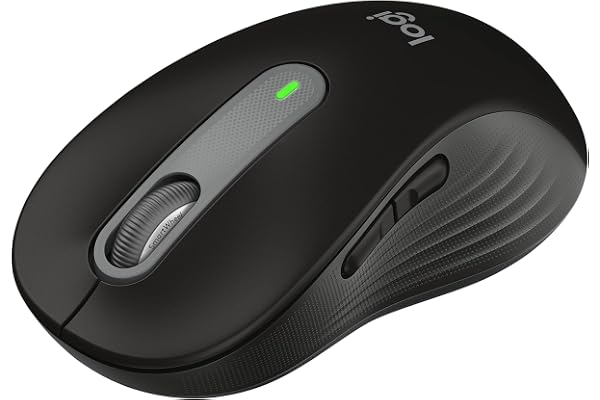
A large-size Signature mouse listing with customizable side buttons. It adds a different control layout to the M550 L option.
Explore product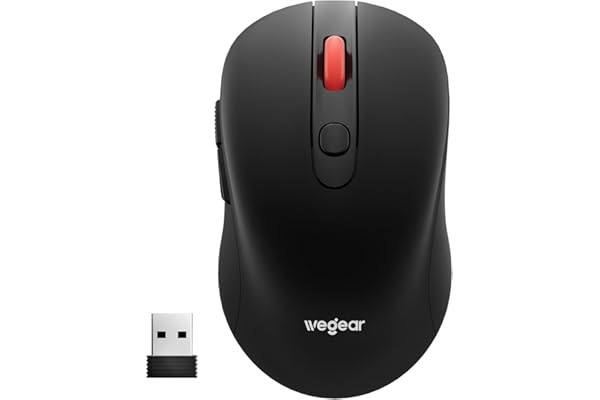
Compare this pointer with the connection, shape and controls you use each day. Listing details to verify: Listed connection: Wireless; verify receiver or Bluetooth requirements.
Explore product
Compare this pointer with the connection, shape and controls you use each day. Listing details to verify: Listed connection: Bluetooth. USB-A mentioned: Verify supplied cable, receiver or adapter.
Explore product
Compare this pointer with the connection, shape and controls you use each day. Listing details to verify: Listed connection: Bluetooth and 2.4 GHz wireless.
Explore product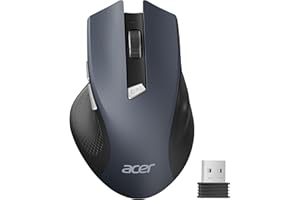
Compare this pointer with the connection, shape and controls you use each day. Listing details to verify: Listed connection: Wireless; verify receiver or Bluetooth requirements. USB-A mentioned: Verify supplied cable, receiver or adapter.
Explore product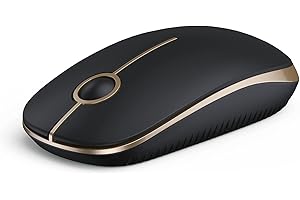
Compare this pointer with the connection, shape and controls you use each day. Listing details to verify: Listed connection: Wireless; verify receiver or Bluetooth requirements.
Explore product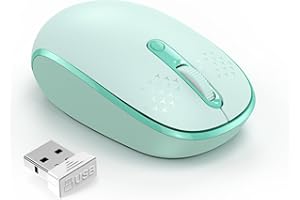
Compare this pointer with the connection, shape and controls you use each day. Listing details to verify: Listed connection: Wireless; verify receiver or Bluetooth requirements.
Explore product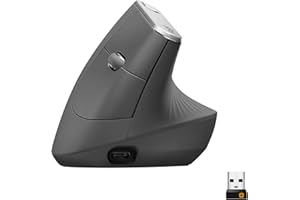
Compare this pointer with the connection, shape and controls you use each day. Listing details to verify: Listed connection: Wireless; verify receiver or Bluetooth requirements.
Explore product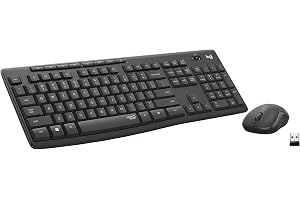
Consider a complete control set when both the keyboard and pointer need replacing. Listing details to verify: Listed connection: Wireless; verify receiver or Bluetooth requirements.
Explore product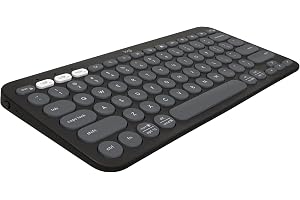
Start with key layout and desk width, then compare the connection and additional controls. Listing details to verify: Listed connection: Bluetooth.
Explore product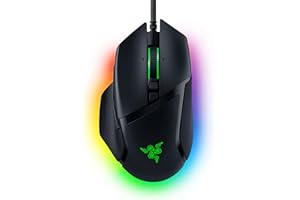
Compare this pointer with the connection, shape and controls you use each day. Listing details to verify: Listed connection: Wired; verify connector.
Explore product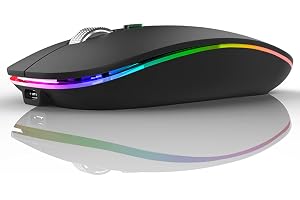
Compare this pointer with the connection, shape and controls you use each day. Listing details to verify: Listed connection: Wireless; verify receiver or Bluetooth requirements.
Explore product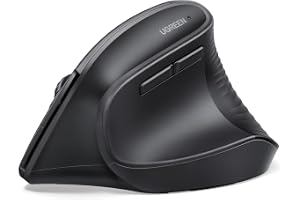
Compare this pointer with the connection, shape and controls you use each day. Listing details to verify: Listed connection: Bluetooth and 2.4 GHz wireless.
Explore product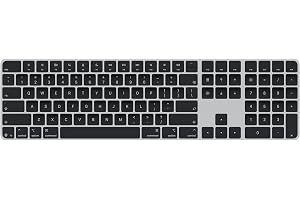
Start with key layout and desk width, then compare the connection and additional controls. Listing details to verify: USB-C mentioned: Check whether this refers to charging, data or audio.
Explore product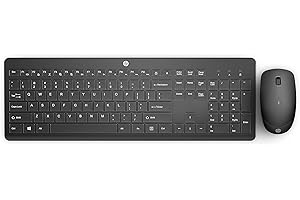
Consider a complete control set when both the keyboard and pointer need replacing. Listing details to verify: Listed connection: Wireless; verify receiver or Bluetooth requirements.
Explore product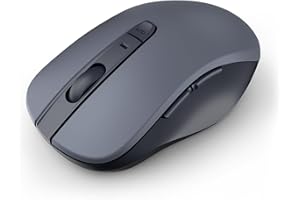
Compare this pointer with the connection, shape and controls you use each day. Listing details to verify: Listed connection: Bluetooth.
Explore product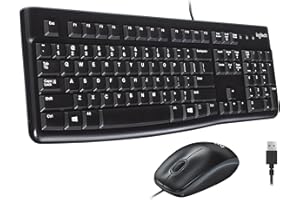
Consider a complete control set when both the keyboard and pointer need replacing. Listing details to verify: Listed connection: Wired; verify connector.
Explore product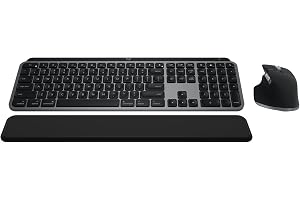
Consider a complete control set when both the keyboard and pointer need replacing. Listing details to verify: Listed connection: Bluetooth. USB-C mentioned: Check whether this refers to charging, data or audio.
Explore product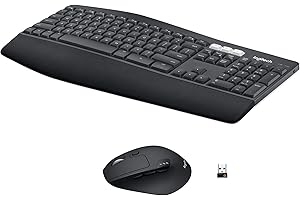
Consider a complete control set when both the keyboard and pointer need replacing. Listing details to verify: Listed connection: Bluetooth. USB-A mentioned: Verify supplied cable, receiver or adapter.
Explore product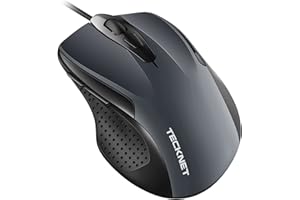
Compare this pointer with the connection, shape and controls you use each day. Listing details to verify: Listed connection: Wired; verify connector.
Explore product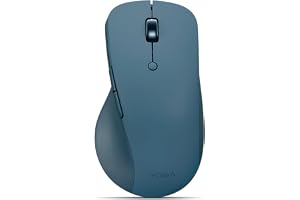
Compare this pointer with the connection, shape and controls you use each day. Listing details to verify: Listed connection: Bluetooth. USB-C mentioned: Check whether this refers to charging, data or audio.
Explore product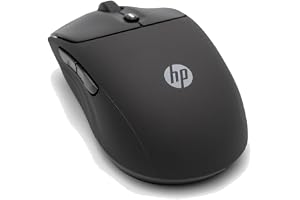
Compare this pointer with the connection, shape and controls you use each day. Listing details to verify: Listed connection: Bluetooth and 2.4 GHz wireless.
Explore product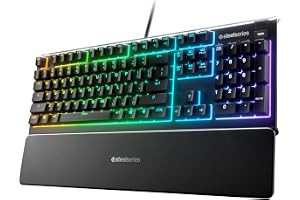
Start with key layout and desk width, then compare the connection and additional controls. The selected listing is SteelSeries Apex 3 RGB Keyboard.
Explore productTwo different mouse workflows, compared from published information.
Read the guide 01Mice & keyboardsChoose around your ports and devices.
Read the guide 02Mice & keyboardsTrade desk width against the controls you use.
Read the guide 03