Wireless over-ear headphonesOlder generation
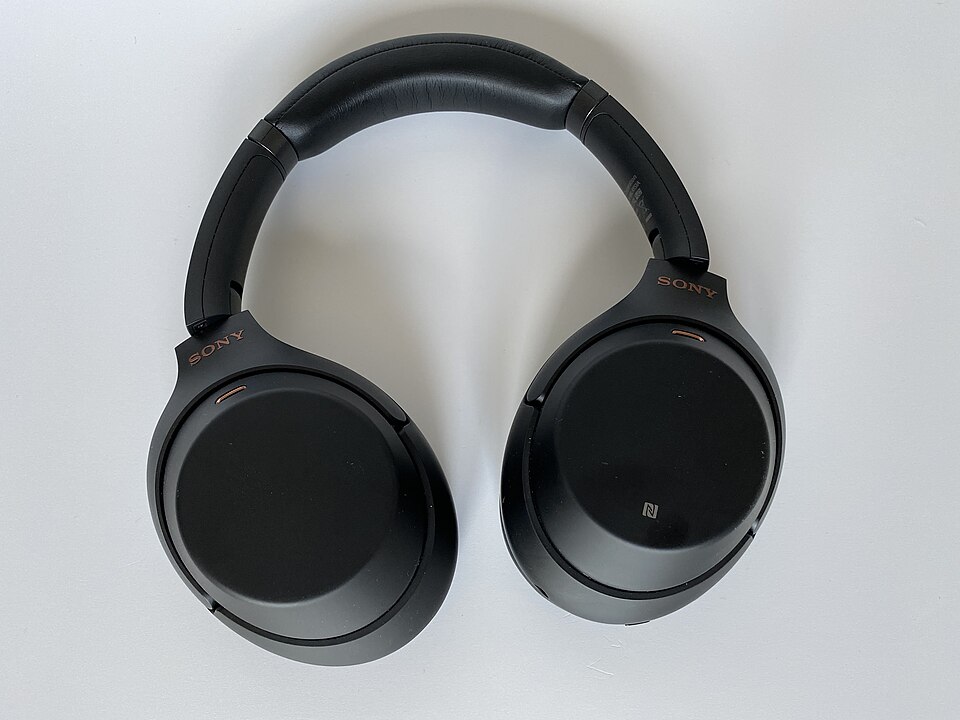
Black, older generation
Sony WH-1000XM3
An older noise-cancelling model to compare with newer generations.
Explore productPrice & availabilitySee the current offer on Amazon
Consider calls, comfort and the exact generation.
As an Amazon Associate I earn from qualifying purchases. Marked shopping links may earn us a commission, at no extra cost to you. How links work
An older noise-cancelling model to compare with newer generations.
Explore product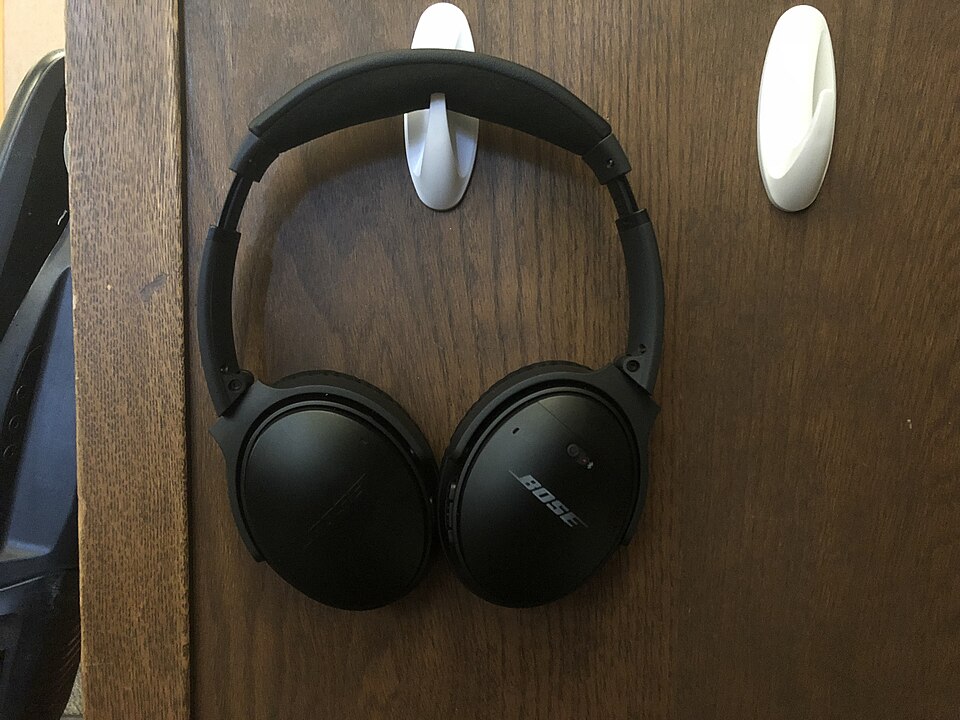
A clearly identified older Bose model for generation and condition comparisons.
Explore product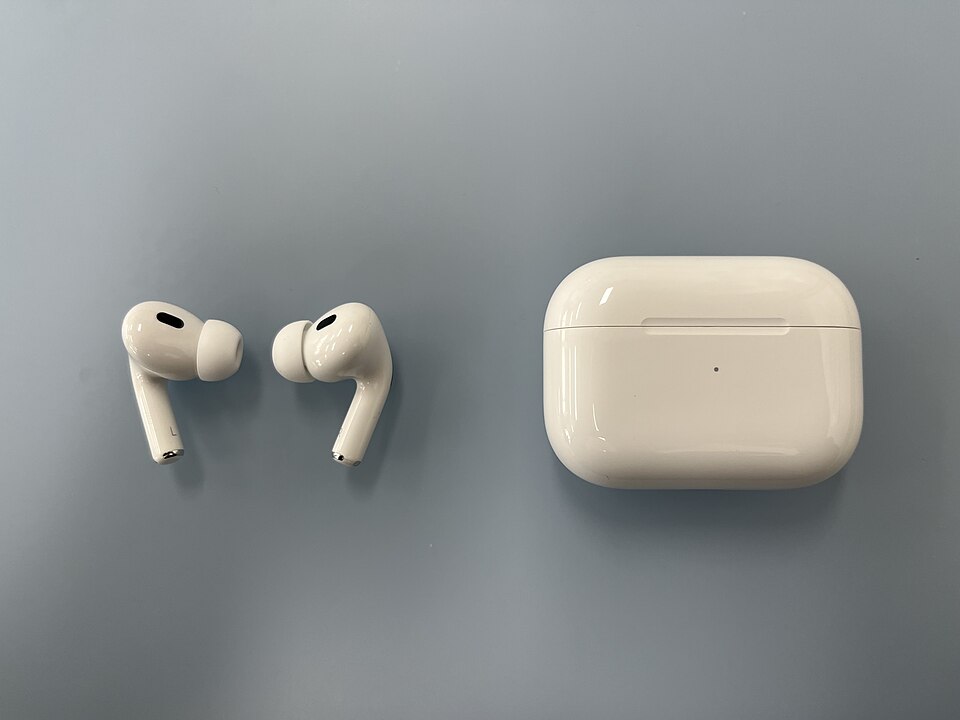
The 2022 Lightning-case version, distinct from the later USB-C package.
Explore product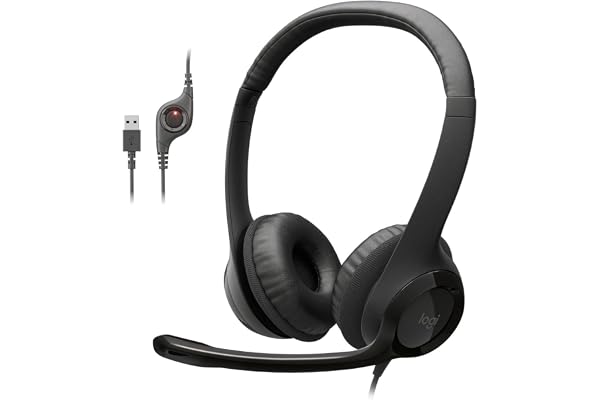
A wired headset listing with a microphone and inline controls. The USB-A connector is the key distinction from the H391 option in this collection.
Explore product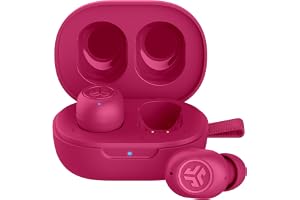
A compact earbud listing advertising Bluetooth multipoint. It is a different wearing format from a boom-microphone computer headset.
Explore product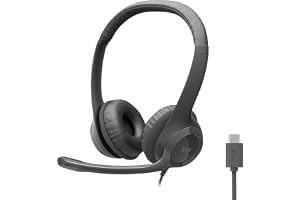
A USB-C wired headset listing with inline controls. It may avoid an adapter on a compatible USB-C computer, subject to device support.
Explore product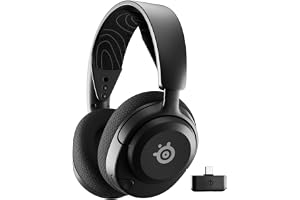
A gaming-oriented headset listing with two wireless connection formats. Research the supported platforms and connection behavior before using it across work and gaming devices.
Explore product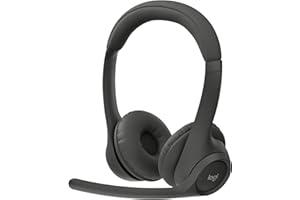
A Bluetooth headset listing for computer and mobile use. It offers an alternative to the H390 and H391 wired connection formats.
Explore product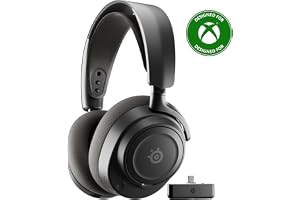
A Gen 2 headset listing advertising mixed wireless audio. Its 7X name and generation should be checked separately from Nova 5 and other Nova 7 variants.
Explore product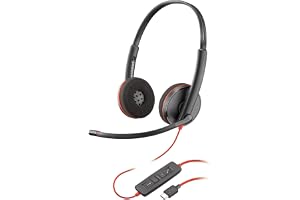
Start with your computer’s audio connection and the controls needed in your calling application. Listing details to verify: Listed connection: Wired; verify connector. USB-C mentioned: Check whether this refers to charging, data or audio.
Explore product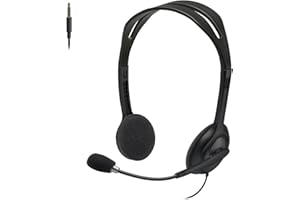
Start with your computer’s audio connection and the controls needed in your calling application. Listing details to verify: Listed connection: Wired; verify connector.
Explore product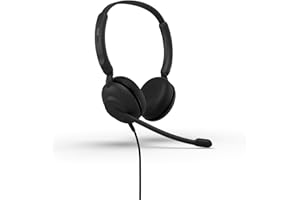
Start with your computer’s audio connection and the controls needed in your calling application. Listing details to verify: Listed connection: Wired; verify connector. USB-A mentioned: Verify supplied cable, receiver or adapter.
Explore product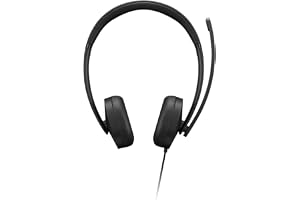
Start with your computer’s audio connection and the controls needed in your calling application. Listing details to verify: Listed connection: Wired; verify connector. USB-A mentioned: Verify supplied cable, receiver or adapter.
Explore product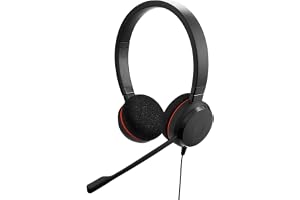
Start with your computer’s audio connection and the controls needed in your calling application. Listing details to verify: Listed connection: Wired; verify connector. USB-C mentioned: Check whether this refers to charging, data or audio.
Explore product